Quick answer
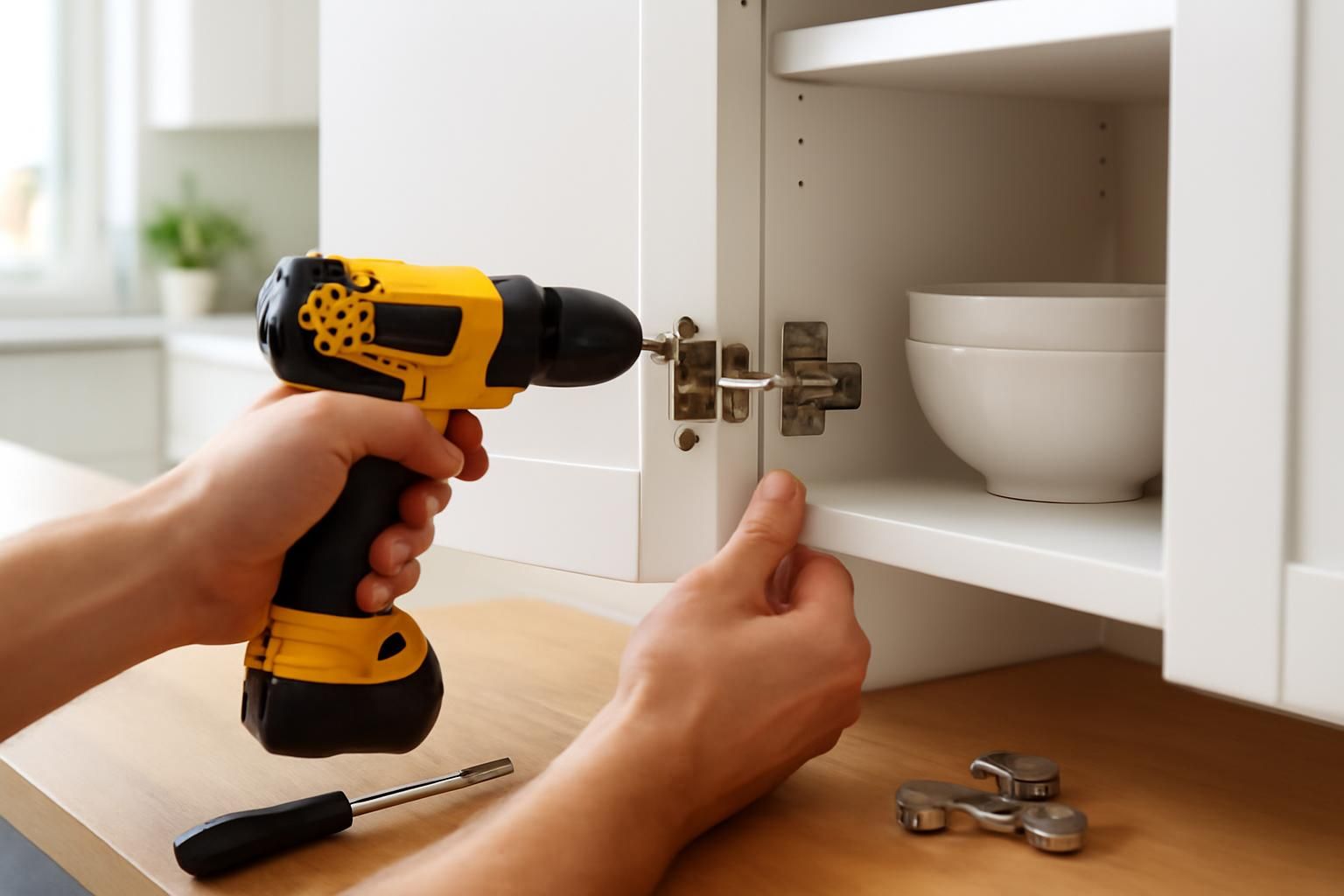
Open the door and locate the hinge screws. Turn the top and bottom screws to raise, lower, or tilt the door until it sits level with its neighbour.
Cupboard doors sag over time. The hinges have built-in adjustment screws that let you move the door up, down, sideways, or in and out.
What you’ll need
- screwdriver (Phillips or Pozi)
- Allen keys
- spirit level
- masking tape
- pencil
Step by step
- 1
Check alignment
Close the doors and look at the gaps. Mark the high or low spots with masking tape.
- 2
Adjust height
Loosen the two screws that fix the hinge plate to the cupboard carcass. Slide the door up or down, then tighten.
- 3
Adjust sideways tilt
Turn the front screw on the hinge arm to move the door left or right.
- 4
Adjust depth
Turn the rear screw to pull the door closer to the frame or push it outward.
- 5
Check with a level
Hold a spirit level against the door. Tweak until the gap is even top and bottom.
- 6
Tighten everything
Make sure all screws are snug so the door does not slip again.
Loosen the hinge screws — do not remove them fully. A heavy cupboard door can drop and injure fingers or feet, so support the door with one hand while you adjust it.
Common mistakes
- Turning the wrong screw and detaching the hinge from the door
- Adjusting only one hinge, which leaves the door twisted
- Overtightening screws and stripping the thread
- Forgetting to check alignment after each small adjustment
Frequently asked
My door still sags after adjustment. What is wrong?
The hinge screws may be loose in the chipboard. Fill the hole with a wooden matchstick and wood glue, then reinsert the screw.
Do all hinges adjust the same way?
Most modern hinges adjust similarly, but the screw positions vary. Check the hinge body for arrows or labels.