Quick answer
Turn the table upside down. Tighten every screw and bolt in the legs and apron. If it still rocks, sand or add felt pads to the longest leg, or wedge the shortest one.
A wobbly table spills drinks and annoys everyone. The cause is usually loose fixings or uneven legs. You can fix both in minutes.
What you’ll need
- screwdriver or Allen keys
- wood glue
- felt pads or wedges
- sandpaper
- cloth
Step by step
- 1
Tighten all fixings
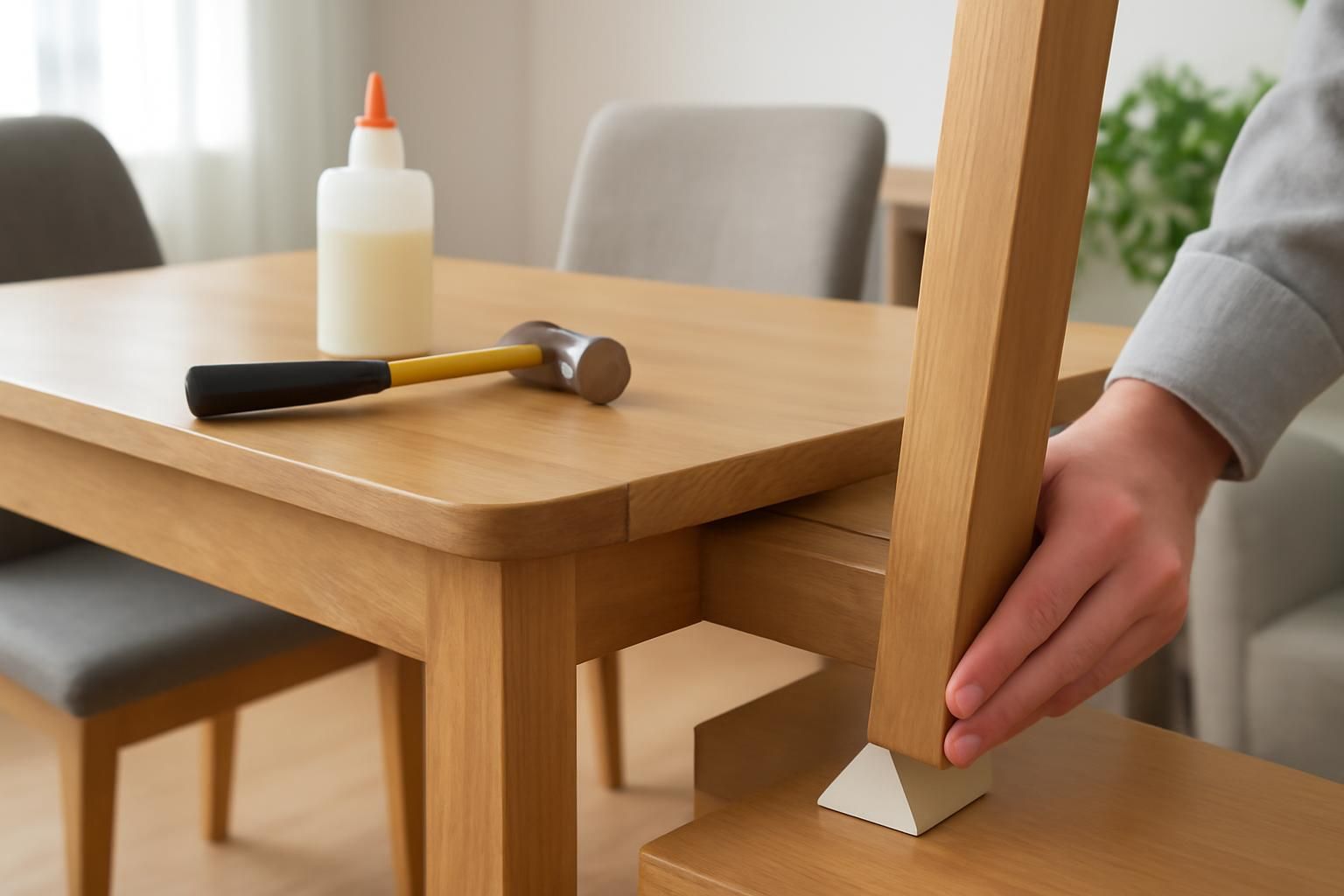
Turn the table over. Tighten every screw, bolt and corner bracket with the correct driver. Do not overtighten or you will strip the thread.
- 2
Check for loose joints
Wiggle each leg. If a joint moves, apply wood glue into the gap and clamp it until dry.
- 3
Find the culprit
Stand the table upright on a flat floor. Rock it to see which leg is short or long.
- 4
Level the feet
If one leg is too long, sand the foot until it sits flat. If one is short, stick a felt pad or thin wooden wedge to the bottom.
- 5
Test and adjust
Rock the table again. Add or remove padding until it sits solid on all four legs.
Take care when turning the table over and tightening fixings — unsecured legs can pinch fingers and a screwdriver can slip. Work on a soft, stable surface.
Common mistakes
- Tightening only one screw and ignoring the others
- Sanding the wrong leg and making the wobble worse
- Using too much wood glue, which squeezes out and ruins the finish
- Testing the table on carpet instead of a hard floor
Frequently asked
My table still wobbles after tightening. What next?
The leg itself may be warped. Try rotating the leg 180 degrees before refitting it.
Can I use coins instead of felt pads?
Yes, but felt pads grip better and protect your floor from scratches.