Quick answer
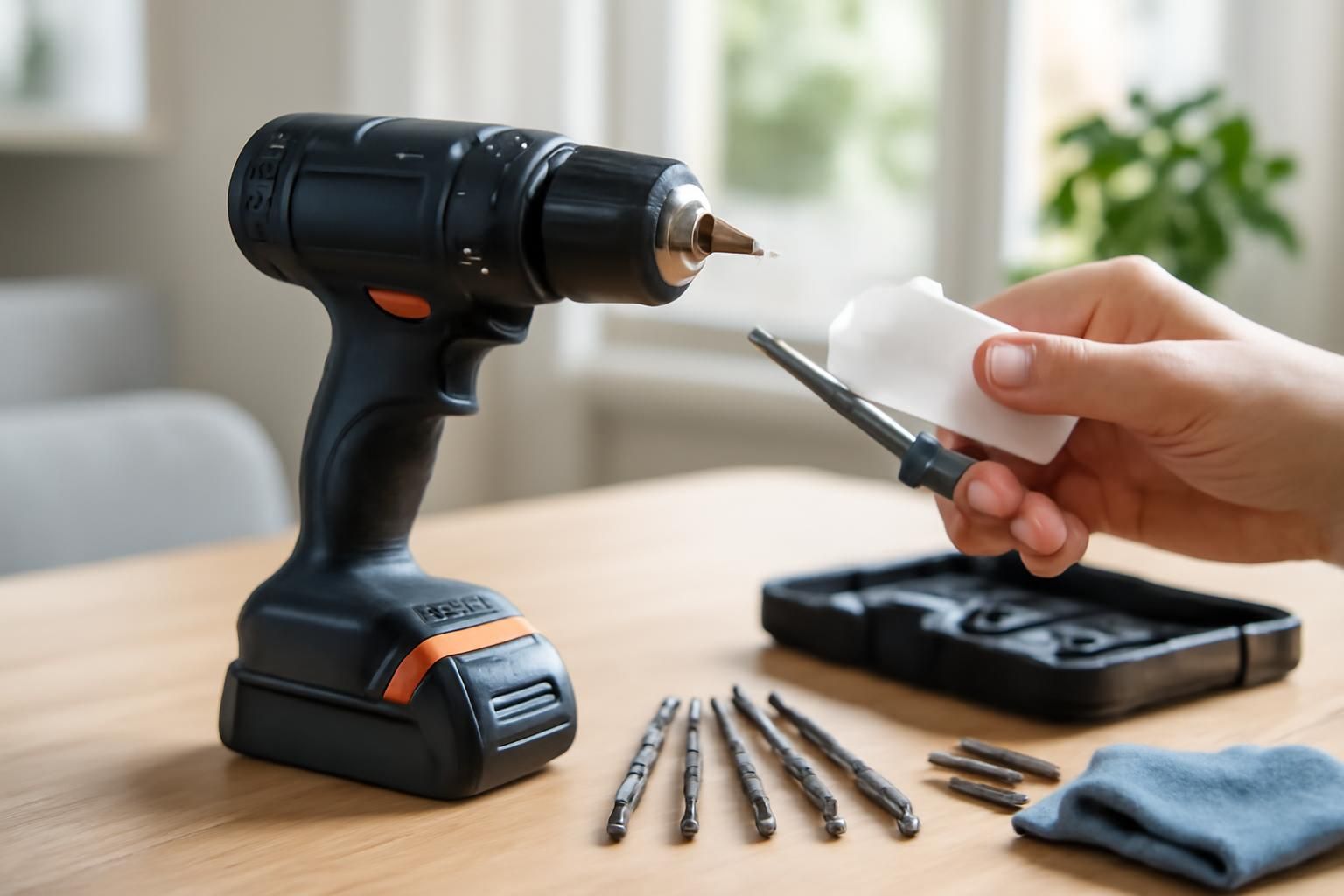
Store lithium-ion batteries at 40–60% charge — never fully flat or fully charged for long periods. Clean the chuck jaws with a dry cloth and apply one drop of light machine oil. Keep bits in a roll or case, not loose in a toolbox. Check the cord, vents, and trigger before each use.
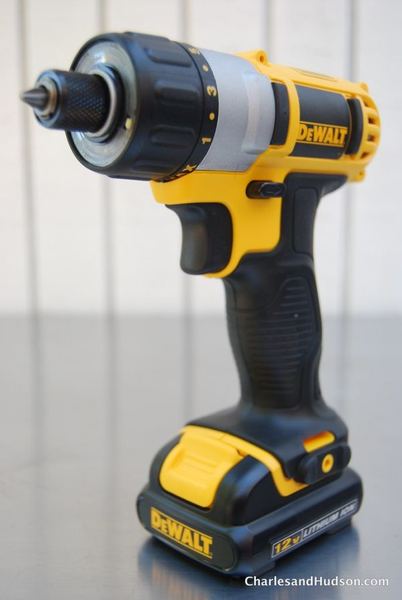
A cordless drill is one of the most used power tools in a home. Neglecting basic maintenance shortens battery life, causes bits to slip, and can make the tool unsafe. A few minutes of care every few months is enough.
What you’ll need
- Soft dry cloth
- Light machine oil or multi-purpose oil
- Bit roll or labelled case
- Screwdriver or dry brush (for vent cleaning)
- Compressed air (optional)
Step by step
- 1
Look after the battery
For lithium-ion packs, store at 40–60% charge if you will not use the drill for more than a week. Never store fully discharged or fully charged for long periods. Remove the battery from the charger as soon as it is full. Do not leave it on the charger indefinitely.
- 2
Clean and oil the chuck
Open the chuck fully and wipe the jaws with a dry cloth to remove dust and metal swarf. Apply one drop of light machine oil to the jaws and open and close the chuck a few times. This ensures bits seat straight and do not slip.
- 3
Store bits properly
Keep drill bits in a bit roll or a labelled case. Tossing them loose into a toolbox blunts cutting edges and causes them to rust. Inspect bits before use and replace any that are bent or badly worn.
- 4
Inspect the body before use
Check the power cord and plug for damage. Make sure ventilation slots are clear of dust — use a dry brush or compressed air. Squeeze the trigger and confirm the variable speed responds smoothly. If the drill has a brushed motor, check brush wear through the inspection cap.
- 5
Wipe down after use
Remove the battery. Wipe the drill body with a dry cloth to remove dust and grime. Clean any debris from the ventilation slots. Store the drill in a dry place.
Always remove the battery before cleaning or inspecting the drill. Never use flammable solvents or aerosol cleaners near the tool. If the casing is cracked, the trigger sticks, or you smell burning from the motor, stop using the drill and have it inspected by a professional repair service.
Common mistakes
- Leaving a battery on the charger indefinitely — topping up a lithium-ion pack that is already full shortens cell life.
- Using the drill until the battery is completely dead before recharging — shallow partial charges are far better for modern lithium cells.
- Forcing the chuck closed around a worn bit — a damaged chuck jaw will cause bit wobble in all future tasks.
Frequently asked
How long should a cordless drill battery last before needing replacement?
A well-maintained lithium-ion battery typically lasts 2–4 years or 300–500 charge cycles. If run time drops to less than half of what it used to be, or the battery gets hot during charging, it is time to replace it.
Can I use a different brand's battery on my drill?
Only if the manufacturer explicitly states compatibility. Most brands use proprietary battery shapes and electronics. Using an incompatible battery can damage the tool or create a fire risk.
How do I know if the chuck needs replacing rather than just cleaning?
If the jaws no longer grip bits tightly even when fully tightened, or if you can see visible wear, cracks, or slippage during drilling, the chuck probably needs replacing. Replacement chucks are widely available for most brands.